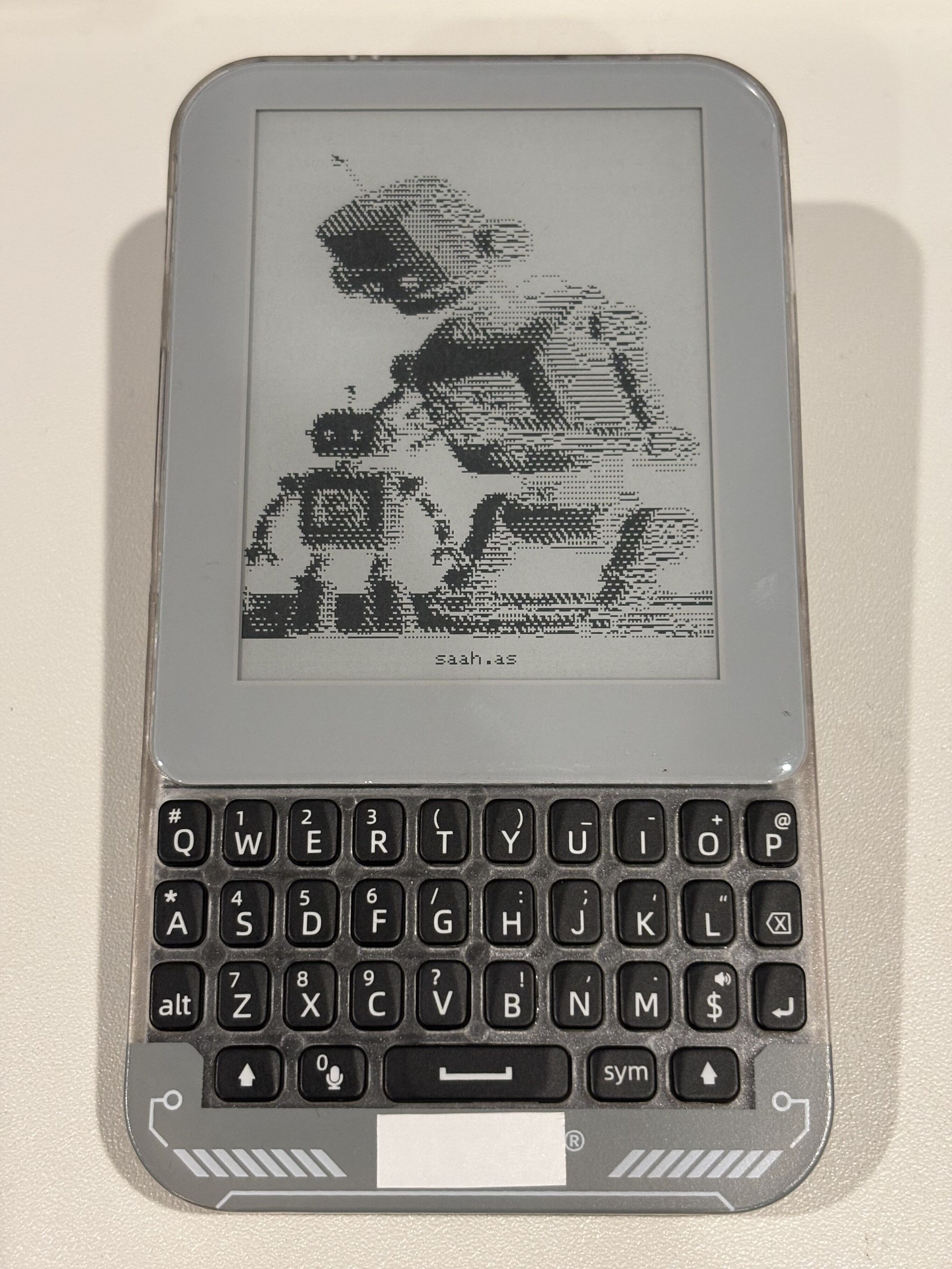
I wanted a distraction free, small, portable notepad and ssh terminal, so I made one, using the Lilygo T-Deck Pro. I couldn’t find firmware available off the shelf, so I wrote my own firmware for it.
Basic typing is a little slow to start, but gets faster once you get used to it. It’s nice to have tactile feedback, and not worry about autocorrect or apple’s predictive keypress detection.
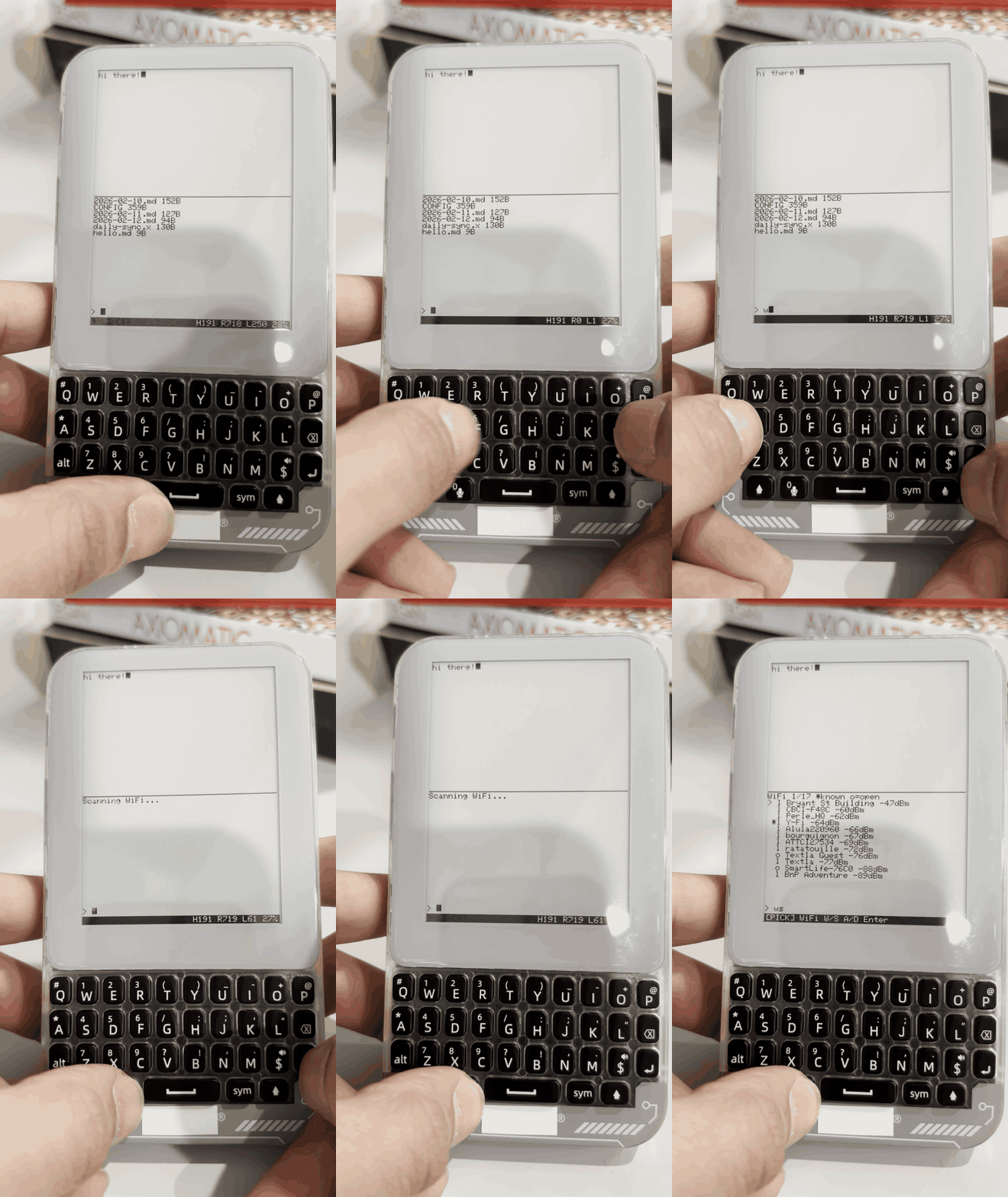
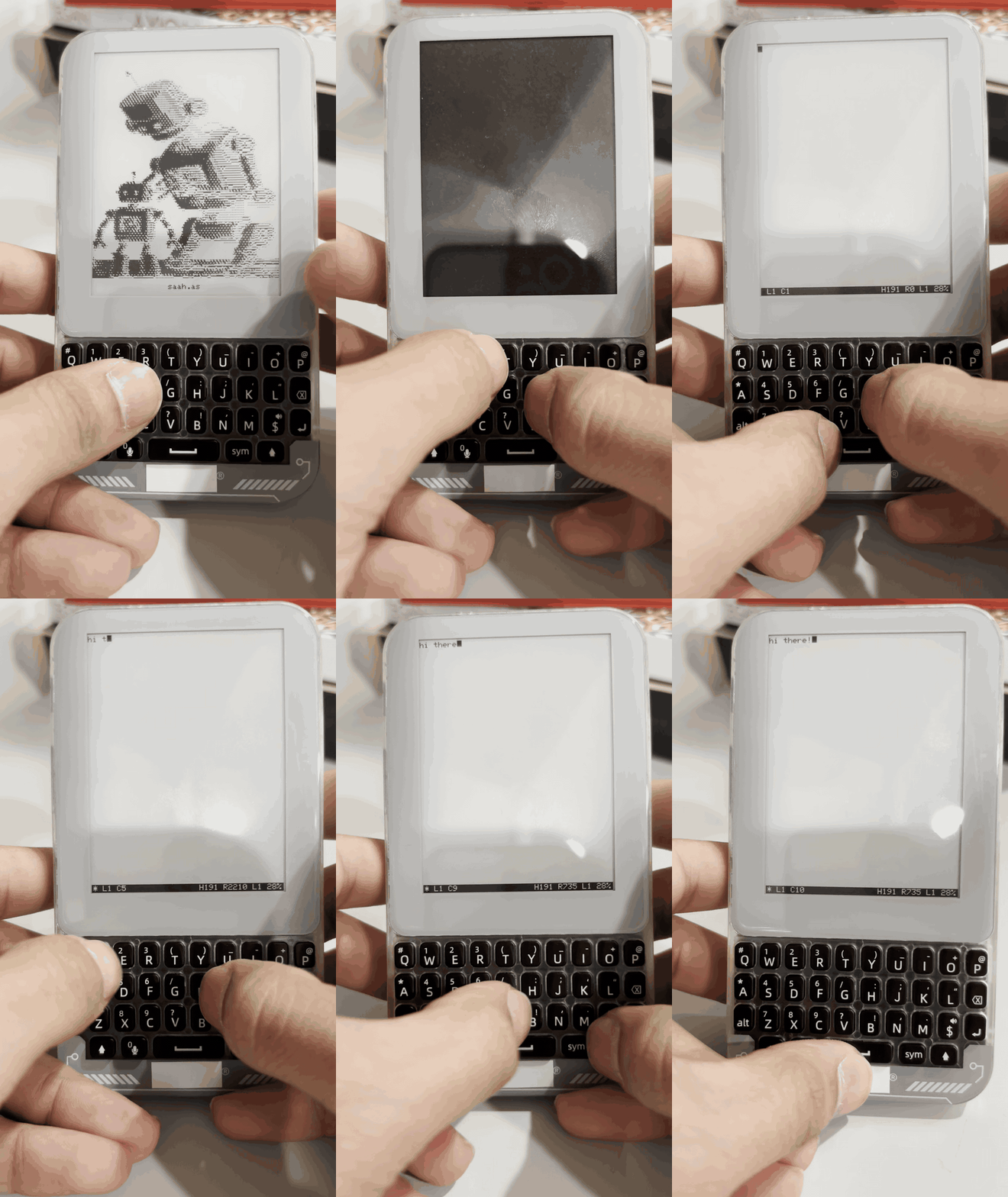 Tapping the mic button opens up a command prompt, that allows you to save files to the sd card.
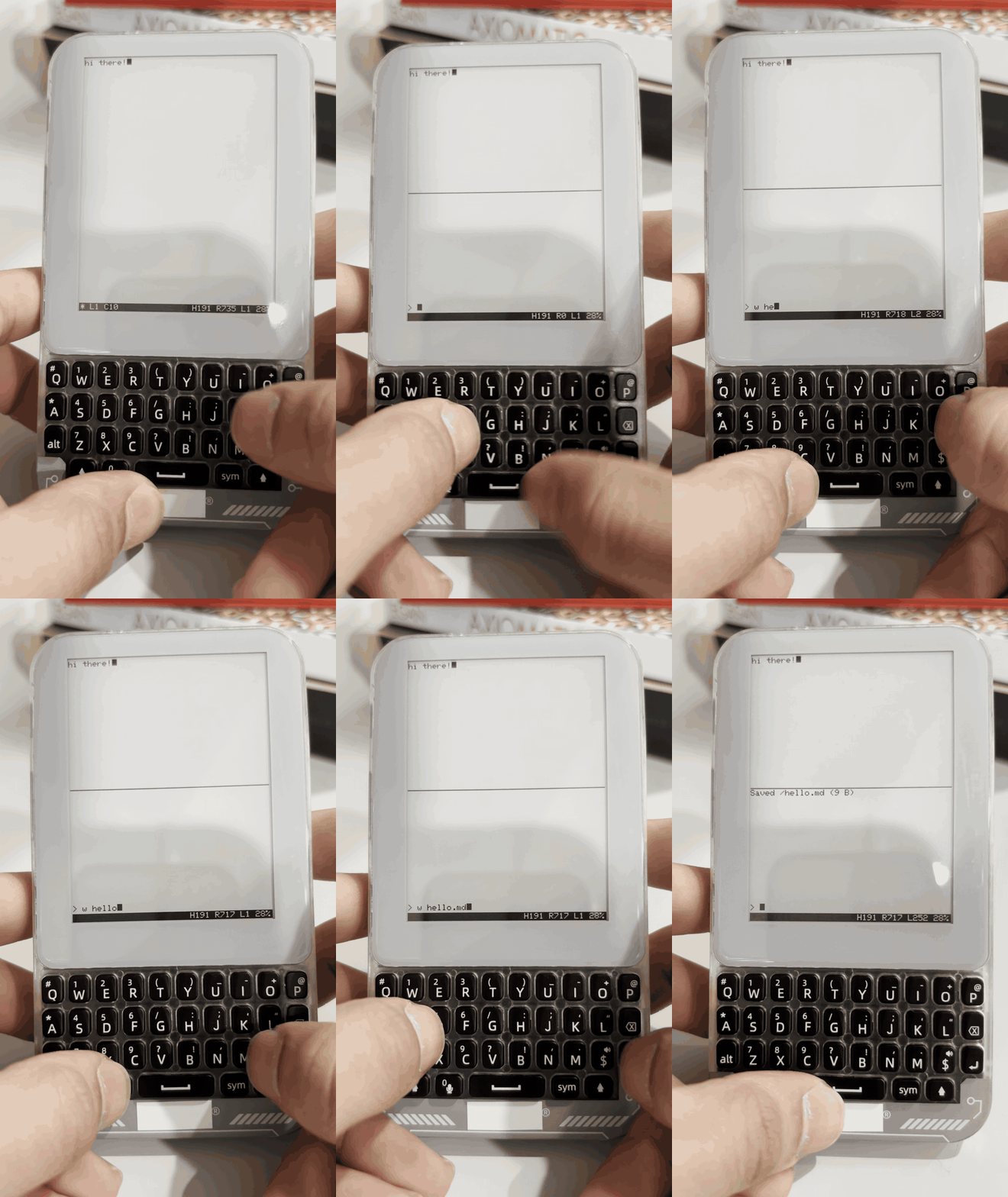 You can also list files - other commands are available with h/help. Some of them include:
- e/edit to open up an existing or new file and edit it
- bt for bluetooth connectivity (turns the device into a touchpad + keyboard after pairing)
- bs for a bluetooth scan
- gps for polling gps satellites and getting a fix (with lat/long + altitude), as well as gps time
- gs does a gps scan/status - providing current gps status
- s/status for status of peripherals
A full list of commands is available on the README for this project.
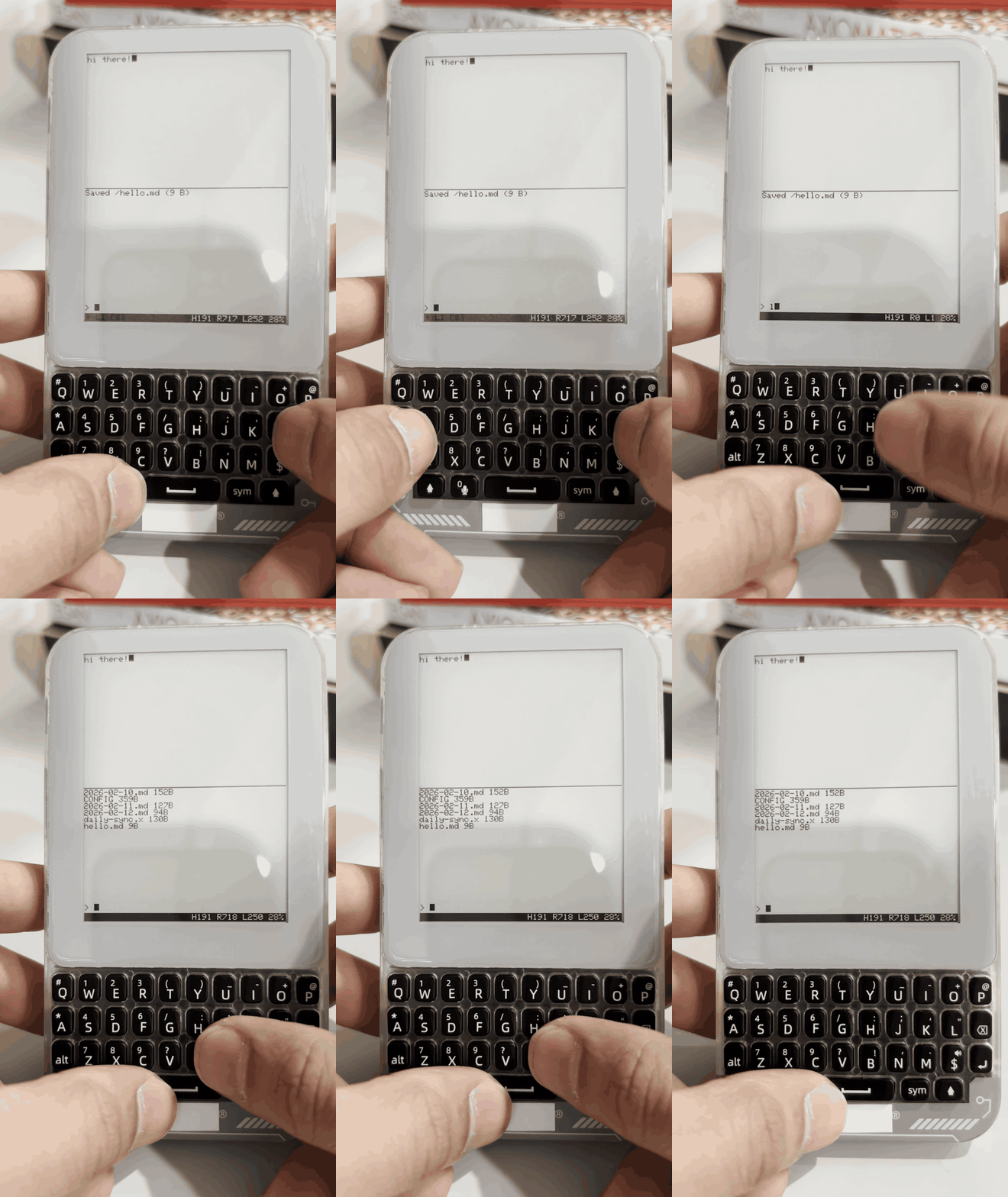 Wifi credentials are stored in the CONFIG file, which is parsed on boot/reset. You can do a wifi scan to see the access points, and connect to them.
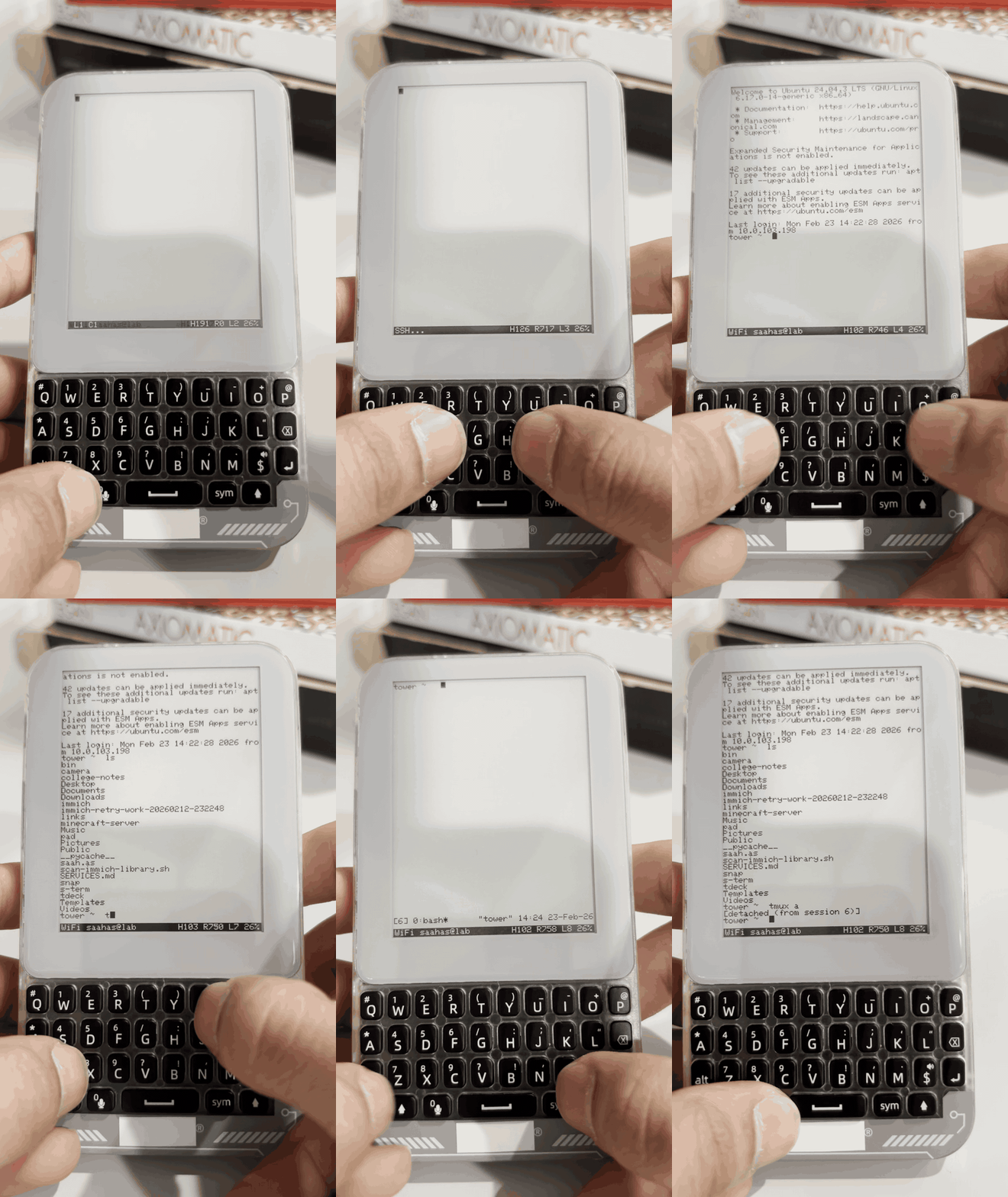
 You can also configure a computer to ssh into in CONFIG, and the connect to it using the ssh command.
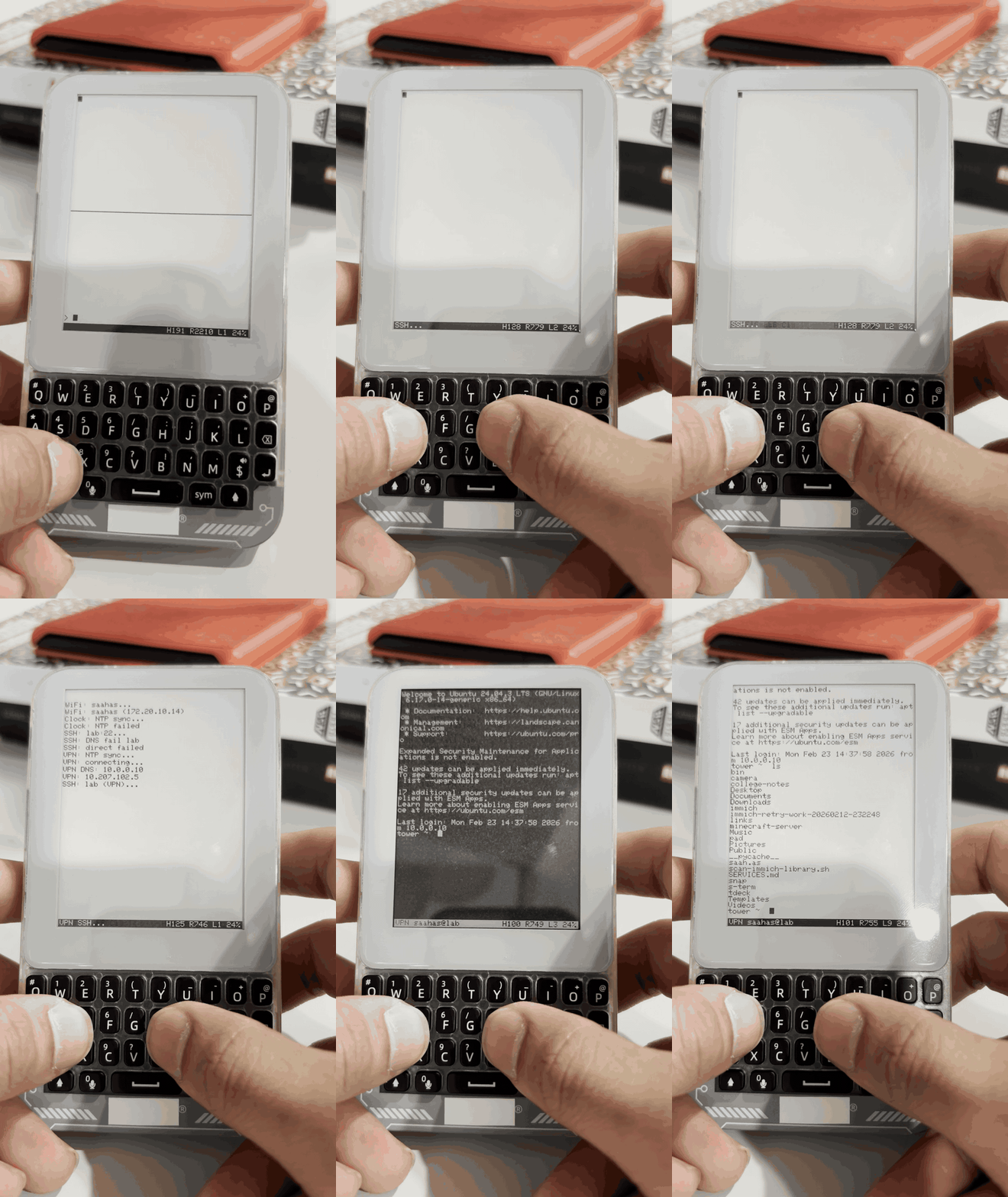
 If away from home or on a different network, you can also include wireguard credentials in your CONFIG, and connect remotely (provided you have wireguard setup at home).
 Finally, what good is it without some cool art? Rendering this took some tuning from the base ascii art - though it isn’t strictly ascii art anymore I think it looks good!